Your apps, organized into workspaces. One calm window.
Stop rebuilding your workspace every morning. Your apps, accounts, and projects, exactly where you left them.
Free to install. Full Pro features for your first 14 days. No account, no credit card, starts automatically.
Dockside is launching for Mac.
Apple Silicon and Intel both supported. Free tier and 14-day Pro trial available at launch.
Your apps, organized into workspaces. One calm window.
From download to your first workspace.
Once the download finishes, double-click the file in your Downloads folder.
Drop the Dockside icon onto the Applications folder shortcut in the window that opens.
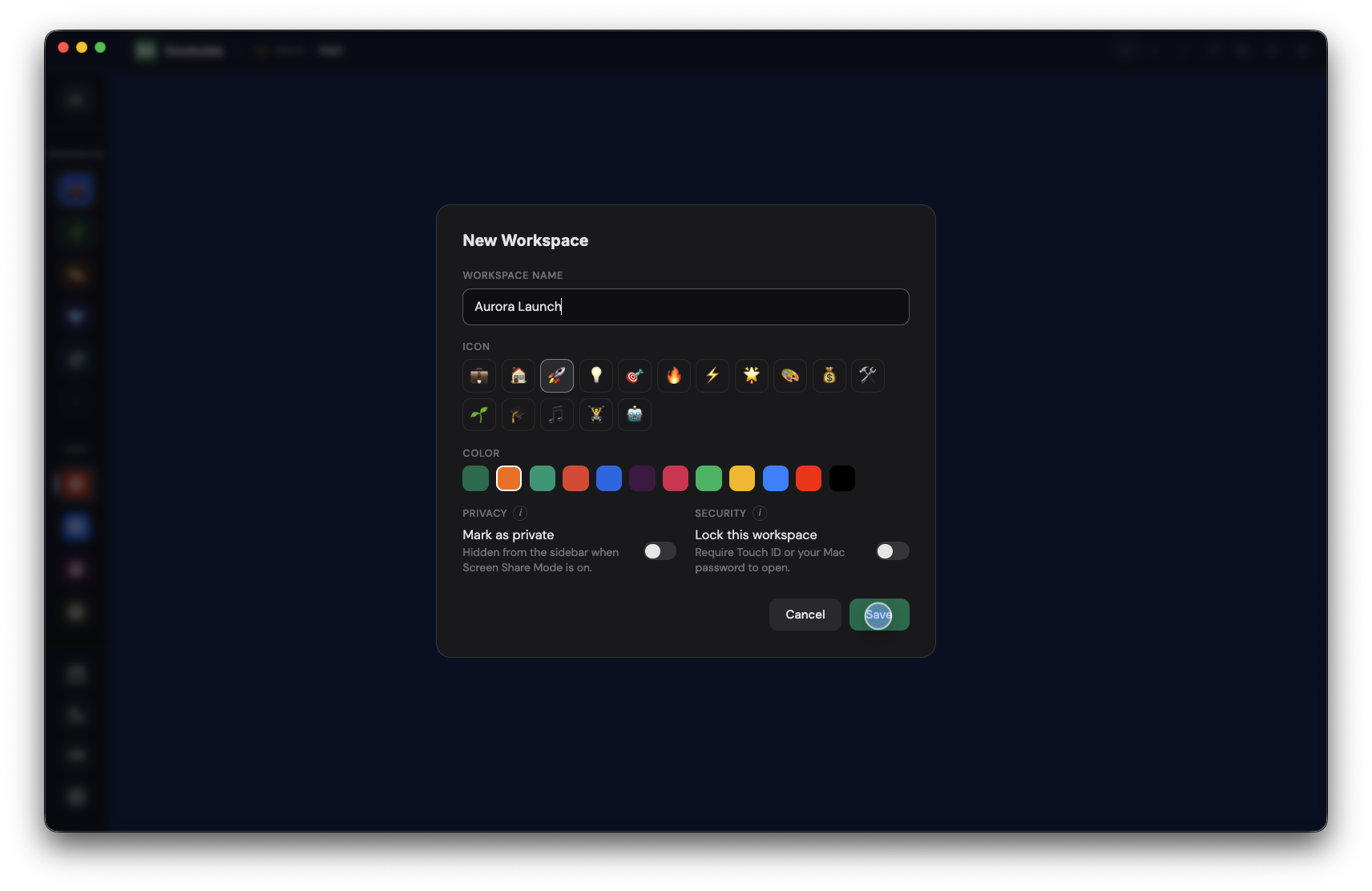
Open Dockside from Applications and create your first workspace to get started.
Your 14-day Pro trial starts automatically. No card, no signup.